
1
Fix 404s and 500s
Restore the page, redirect the old URL to the right place, or fix the server error behind a 500.
Check the HTTP status and full redirect chain for a URL.
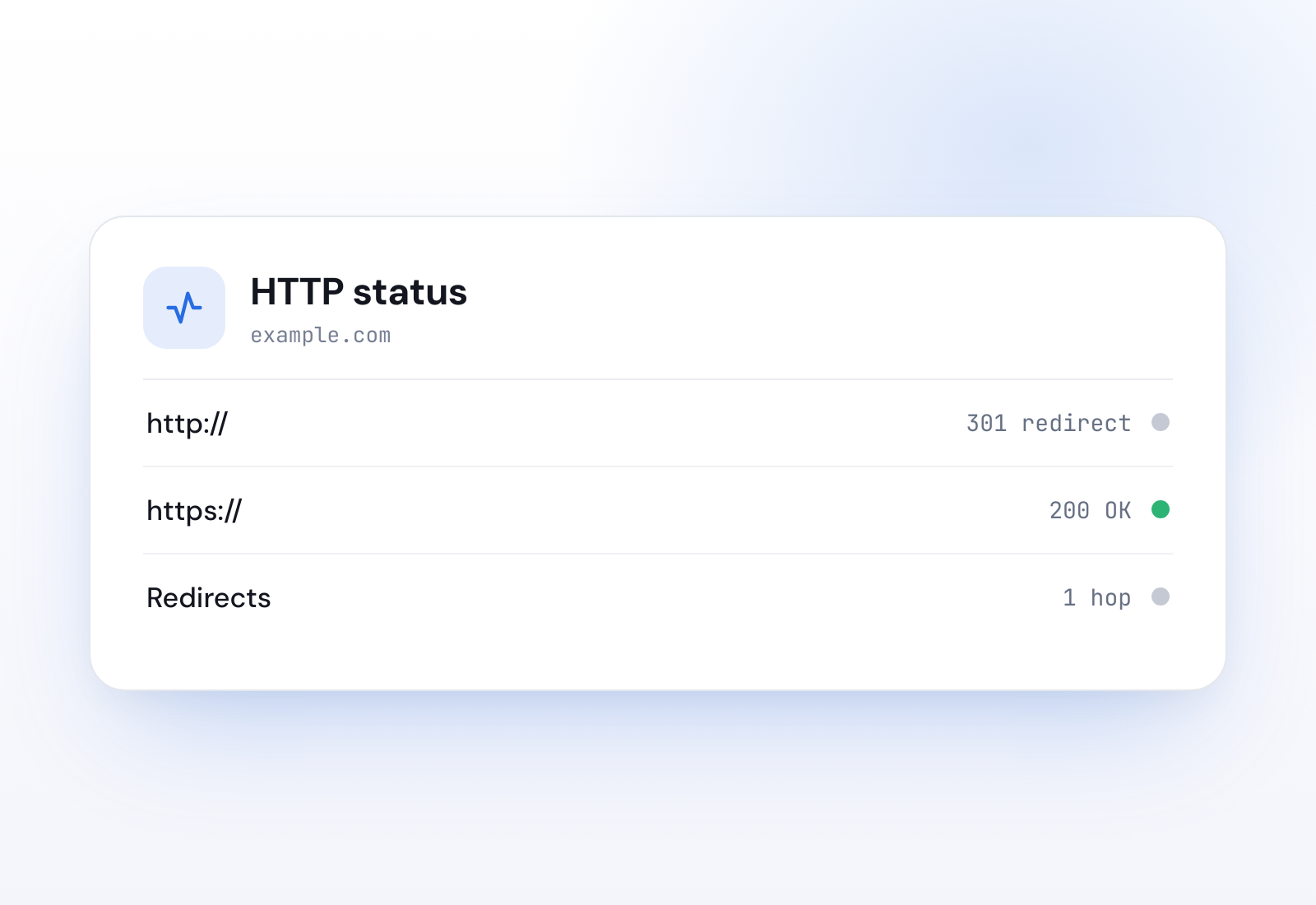
Your result
What this checks
Every request to a URL returns an HTTP status code: 200 for OK, 301 and 302 for redirects, 404 for not found, 500 for a server error. This tool shows the status and every redirect hop along the way.
It follows the redirect chain step by step, so you can see exactly where a URL ends up and whether it takes a detour to get there.
Why it matters
A 404 or 500 on an important page costs visitors and rankings. A messy redirect chain slows the page and leaks link value at each hop.
After a migration, redirects are where things quietly go wrong: a chain of three hops, or an old URL that 404s instead of redirecting.
How to fix it
Restore the page, redirect the old URL to the right place, or fix the server error behind a 500.
Point the first URL straight at the final destination instead of hopping through several.
A 301 passes ranking signals and is cached. Use 302 only for genuinely temporary moves.
Janitor watches server errors and bad responses automatically across every client site and puts it in a branded report you can send.
Keep reading
FAQ
Each URL in the chain, the status it returned and where it pointed next, up to the final destination. It is the quickest way to spot a chain that is too long.
Janitor used to have pages explaining individual status codes. They now point here, where you can check a real URL and see the codes in context.
Yes. Janitor checks for server errors and bad responses across every client site and alerts you when a page starts returning the wrong code.
Get started
Janitor runs around two dozen checks on every site you manage and turns them into a branded report.
30-day free trial. No credit card required.